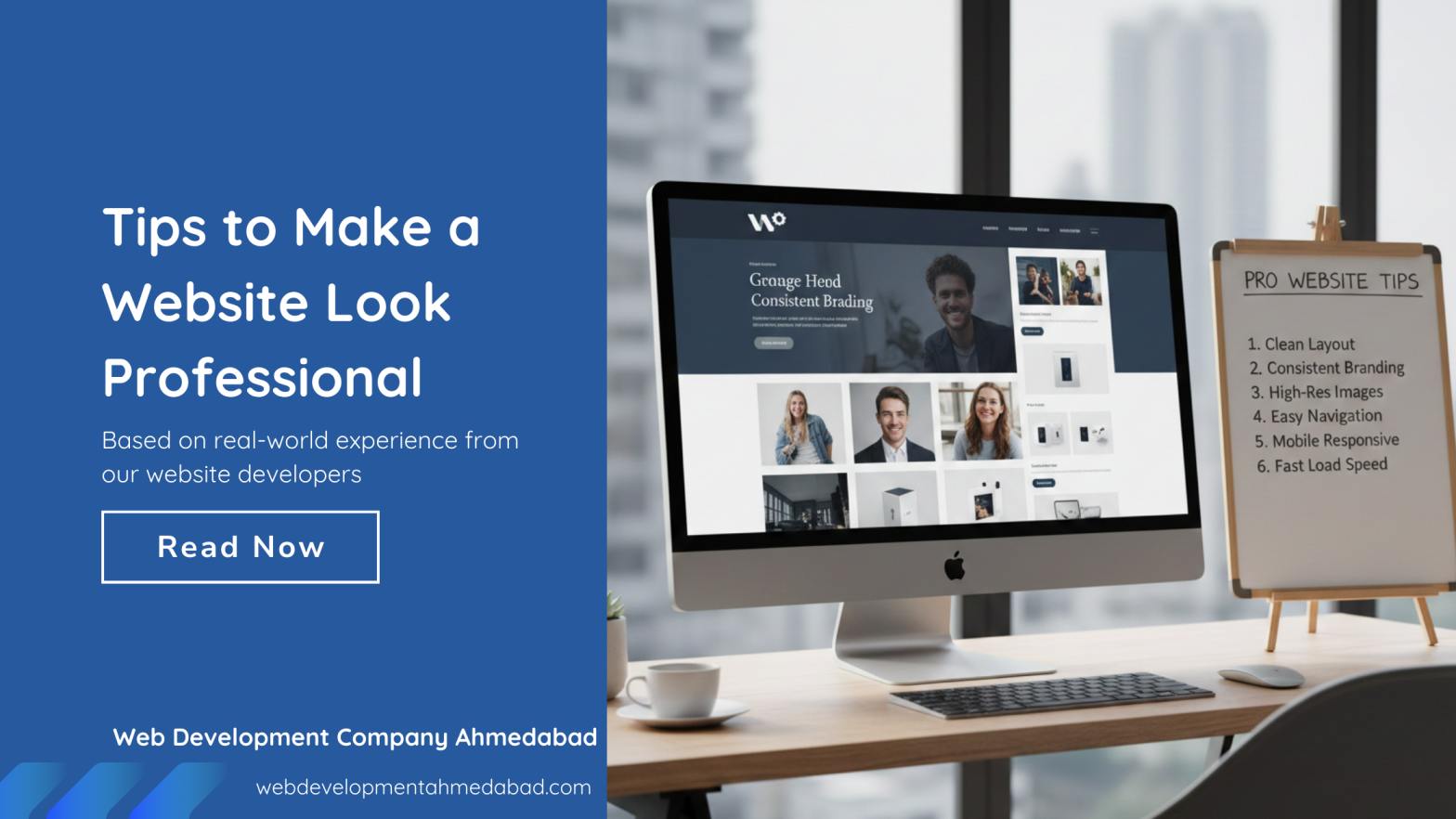
Tips to Make a Website Look Professional in 2026
Your website is often the first impression someone gets of your business. Long before a customer calls you, books a service, or buys a product, they check your website. In 2025, people judge a business in seconds, and a professional website can easily become the difference between gaining a customer and losing one.
A professional website is not about adding fancy animations or heavy design elements. It’s about being clear, trustworthy, easy to use, and helpful. When someone lands on your site, they should feel that your business is real, reliable, and ready to solve their problem.
Based on real-world experience from our website developers at Web Development Company Ahmedabad, this guide walks through the most important tips to make your website look and feel professional — from design and content to speed, branding, and SEO. These tips work for business owners, freelancers, agencies, bloggers, and anyone building an online presence.
Why Professional Website Design Matters
Think about how you judge a restaurant when you walk in for the first time. If it’s clean, organized, and welcoming, you trust it immediately. If it looks messy or outdated, you hesitate.
Websites work exactly the same.
A professional website:
- builds trust
- increases conversions
- improves user experience
- boosts SEO performance
- strengthens your brand identity
People don’t stay on websites that look confusing, slow, or outdated. They go back to Google and click on the next result. A professional-looking website helps you avoid losing potential customers for reasons that are completely avoidable.
Tip 1: Keep Your Design Clean and Simple to Make a Website Look Professional
The biggest mistake people make is trying to put too much on a single page. A professional website focuses on clarity, not clutter.
What a clean design includes:
- Enough white space
- Easy-to-read text
- Simple color choices
- Organized sections
- Straightforward layout
A professional website does not overwhelm visitors. It guides them, which is exactly how experienced website designers plan every page.
Practical example:
Instead of placing three banners, four buttons, and a long paragraph at the top of your homepage, keep a simple structure:
- A clear headline
- One short line explaining what you offer
- A clean “Call to Action” button
Your design should make visitors feel relaxed, not confused.
Tip 2: Use a Consistent Brand Identity
Brand consistency makes your business look established. When your colors, fonts, and style stay consistent across your entire website, it builds recognition and trust.
Key elements that must stay consistent:
- Logo usage
- Brand colors
- Font style and size
- Button shapes
- Image style
If your homepage uses calm colors but your services page is full of bright neon tones, it breaks the experience and looks unprofessional. Consistency shows that your business pays attention to details.
Tip 3: Make Your Website Fast and Mobile-Friendly
Most people browse on smartphones, and they expect pages to load fast. A professional website must be quick and smooth on every device.
What affects speed:
- Large images
- Heavy scripts
- Too many plugins
- Slow hosting
Why mobile matters:
Google ranks mobile-friendly websites higher. More than 60% of website traffic is mobile, so if your site doesn’t work on phones, you’re losing potential customers every single day.
A professional website loads in 2–3 seconds and works perfectly on all screen sizes. For better results, we recommend opting for professional website maintenance services to keep performance, updates, and compatibility consistent.
Tip 4: Write Clear and Helpful Content
Professional websites avoid complicated terms and long paragraphs. They focus on what users need, not what the business wants to show.
Good website content:
- speaks directly to the user
- answers questions simply
- uses short paragraphs
- includes real examples
- avoids unnecessary jargon
Your content should guide the visitor. Tell them who you are, what you offer, and why you are the right choice — without making them scroll endlessly.
Tip 5: Use High-Quality Images and Visuals
Low-quality images immediately make a site feel cheap. A professional website uses clear, sharp, and relevant visuals.
Tips for better visuals:
- Use the same style of images
- Avoid blurry or stretched pictures
- Compress images for fast loading
- Use graphics only when necessary
Professional images lift the entire design. Even small improvements in visuals can make your website appear premium.
Tip 6: Create Easy Navigation
Your visitors should never feel lost. A professional website has a clear and simple navigation structure so people can find what they need quickly.
Good navigation includes:
- A clean menu
- Clear page names
- Easy-to-find links
- Logical page flow
Simple navigation improves user experience and increases the time visitors spend on your website.
Tip 7: Add Trust Signals Across Your Website
Professional websites show visitors that the business is credible. Trust signals help people feel safe when choosing your product or service.
Strong trust elements:
- Customer reviews
- Case studies
- Certifications
- Social proof
- Secure payment badges
- Privacy and refund policies
People trust what they can verify. Trust signals build confidence and increase conversions.
Tip 8: Make Your Contact Information Easy to Find
A website that hides contact details looks suspicious. A professional website makes it extremely easy for people to reach you.
Include:
- Phone number
- Email address
- Location (if relevant)
- Contact form
- Social media links
When your contact options are visible, people feel more comfortable engaging with your business.
Tip 9: Keep Your Website Updated
Nothing kills professionalism faster than outdated content.
Examples:
- Old copyright date
- Broken links
- Outdated blog posts
- Services you no longer offer
- Pages with old design elements
An updated website shows visitors that your business is active and reliable.
Tip 10: Improve Your On-Page SEO
A professional website is also built for search. If search engines cannot understand your content, you won’t rank well — even if your design is excellent.
Basic on-page SEO tasks:
- Use correct headings (H1, H2, H3)
- Write descriptive meta titles and descriptions
- Use natural, relevant keywords
- Add internal links
- Optimize images with alt text
- Keep URLs simple
Good SEO helps your professional website reach more people.
Tip 11: Focus on User Intent
User intent is the reason behind the search. A professional website understands what visitors want and provides the right answer.
Examples:
Search: “best digital marketing agency near me”
User intent: people want recommendations, pricing, and service details.
Search: “how to fix slow website speed”
User intent: step-by-step solutions.
When your website aligns with these intentions, users stay longer, explore deeper, and convert more often.
Tip 12: Add Clear Calls-to-Action (CTAs)
A website without CTAs feels incomplete. A professional site guides users toward the next step.
Examples of CTAs:
- Get a Quote
- Contact Us
- Book a Call
- Explore Services
- Shop Now
CTAs must be visible, simple, and relevant to the page.
Final Thoughts
A professional website is not about showing off — it’s about building trust. When your design is clean, your content is clear, your navigation is simple, and your pages load fast, people naturally feel confident about your business.
If your website looks modern, works smoothly on all devices, and communicates clearly, you’re already ten steps ahead of competitors who overlook these basics.
A professional website creates a strong first impression and long-term trust. When built right, it becomes one of the strongest assets for your business growth.
If you are planning to improve your website or start a fresh one, now is the right time to hire a website development company in Ahmedabad that can turn these best practices into real results for your business.
FAQs About Making a Website Professional
What makes a website look professional?
A website looks professional when it is clean, fast, easy to use, consistently designed, and filled with helpful content. Clear branding, good visuals, and simple navigation also play major roles.
How important is mobile design for a professional website?
Very important. Most users browse on phones, and Google ranks mobile-friendly websites higher. A professional website must work smoothly on all screen sizes.
Do I need expensive design to make my website professional?
Not at all. Clean layout, simple colors, sharp images, and good content matter more than flashy design. A minimal approach often looks more professional.
What are the most common mistakes that ruin the professional look?
Common mistakes include cluttered pages, slow loading, inconsistent colors, outdated content, poor images, and complicated navigation.
How often should I update my website?
At least every three months, you should update your website. Update content regularly, fix broken links, refresh images, and review your SEO performance to stay relevant.
Does SEO services affect how professional website look?
Yes. Professional SEO services can improve structure, readability, and content clarity—all of which contribute to a professional appearance. A well-optimized website feels more polished.
What should every homepage include?
A clear headline, short description of what you offer, strong call-to-action, key benefits, trust signals, and simple navigation. These elements help users understand your business instantly.