11 Popular Web Application Examples & Advantages of Web Apps
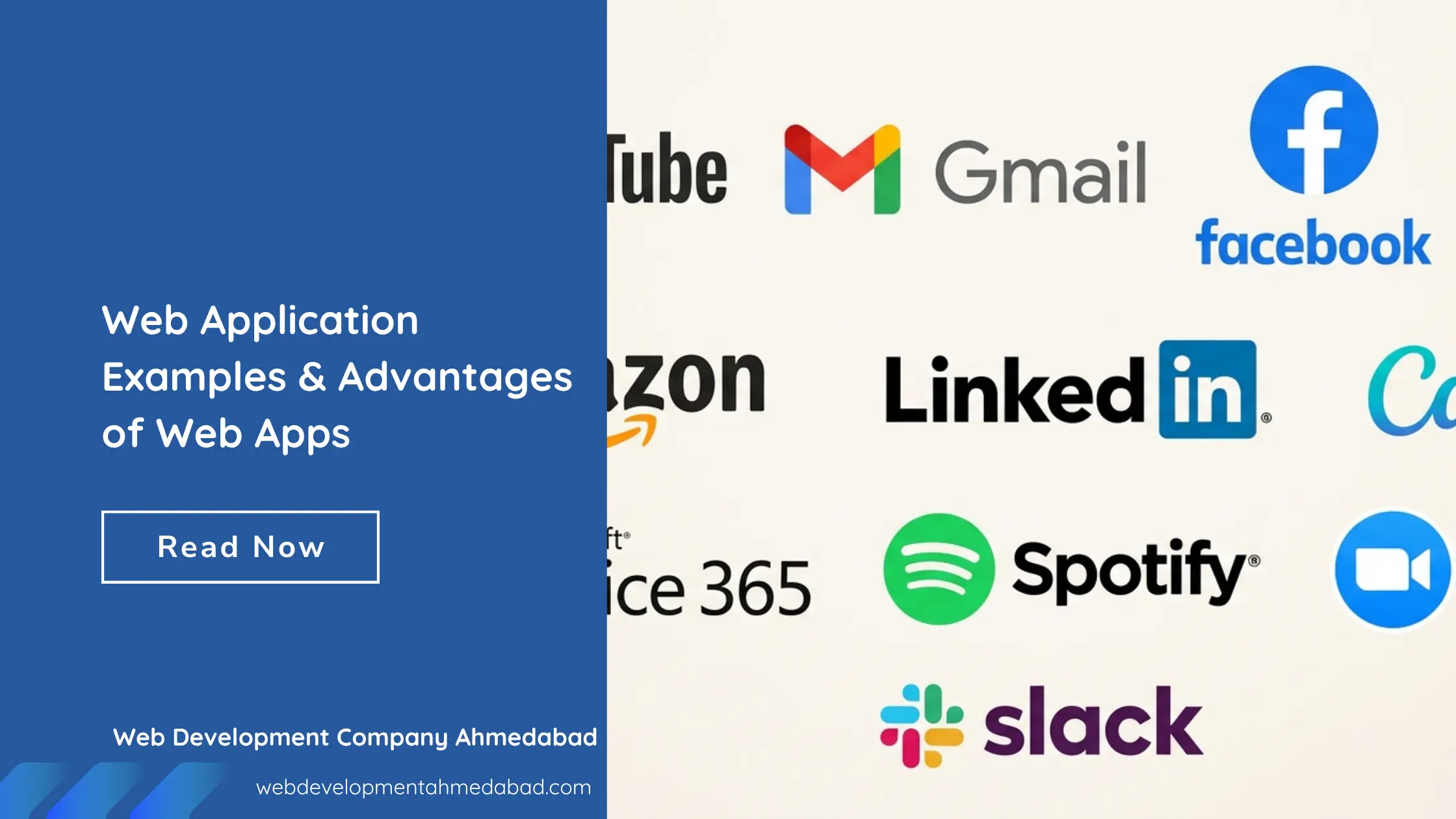
Think about how many online services you use before lunch. You might watch a video on YouTube, reply to emails in Gmail, attend a Zoom meeting, listen to music on Spotify, or order something from Amazon. These platforms have one thing in common, they are all web applications.
A web application is software that runs inside your web browser. Instead of downloading and installing a program on your computer, you simply open a browser, sign in, and start using it. The application processes your requests on a server and delivers the results instantly through the internet.
Businesses are increasingly investing in web applications because they are easier to maintain, accessible from almost any device, and capable of serving thousands or even millions of users at the same time. Whether it’s an online shopping platform, a project management tool, or a video streaming service, web applications have become an essential part of modern business.
In this guide, we’ll look at 11 popular web application examples you probably use every day and explore the key advantages of web apps for both users and businesses.
Expert Guide by Web Development Company Ahmedabad – Trusted Website Development Agency Since 2021
What Is a Web Application?
A web application is an interactive software program that runs in a web browser instead of being installed directly on your device. Unlike a traditional website that mainly displays information, a web application allows users to perform tasks, save data, communicate with others, and access personalized content.
For example, reading a company’s homepage is browsing a website. Logging into Gmail to send an email or using Canva to design a social media post is using a web application. The difference is that a web application responds to your actions, processes data, and provides a customized experience.
Website vs Web Application
Although people often use these terms interchangeably, they are not the same.
| Website | Web Application |
|---|---|
| Primarily shares information | Allows users to complete tasks |
| Mostly static content | Interactive and dynamic |
| No login is usually required | Often requires user accounts |
| Limited user interaction | Stores and processes user data |
| Example: Company portfolio | Example: Gmail or Canva |
11 Popular Web Application Examples
1. YouTube
YouTube is one of the world’s largest video streaming web applications. Users can upload videos, watch content, subscribe to channels, create playlists, and interact through comments and live chats. Everything happens directly in the browser without requiring desktop software, making it a perfect example of a modern web application.
2. Gmail
Gmail changed how people manage email by moving everything to the cloud. Users can send emails, organize conversations, search years of messages within seconds, and access their inbox from almost any device. Since all data is stored online, users always have access to the latest information.
3. Facebook
Facebook is a social networking web application where users create profiles, share updates, upload photos, join communities, and communicate through Messenger. It continuously updates content in real time, creating a personalized experience for every user.
4. Netflix
Netflix is more than a streaming website. It is a web application that recommends movies and TV shows based on viewing history, remembers where users stopped watching, and personalizes content for every account. These dynamic features make it a powerful example of a web application.
5. Amazon
Amazon demonstrates how web applications simplify online shopping. Customers can browse products, compare prices, read reviews, manage wish lists, place orders, and track deliveries from a single platform. Every interaction updates information instantly, creating a smooth shopping experience.
6. LinkedIn
LinkedIn is a professional networking web application designed for career growth. Users can build professional profiles, connect with industry experts, search for jobs, publish content, and communicate with recruiters. Personalized recommendations help users discover new career opportunities.
7. Canva
Canva allows anyone to create professional-looking graphics without advanced design skills. Users can edit images, collaborate with teammates, access cloud storage, and export designs directly from the browser. Its real-time editing capabilities make it one of the most popular creative web applications.
8. Microsoft Office 365
Microsoft Office 365 brings Word, Excel, PowerPoint, and other productivity tools to the browser. Multiple users can edit the same document simultaneously, while automatic cloud saving ensures everyone works on the latest version without manually sharing files.
9. Spotify
Spotify lets users stream millions of songs through a web browser. It creates personalized playlists, recommends music based on listening habits, and synchronizes playlists across multiple devices. These intelligent features rely on cloud-based web application technology.
10. Slack
Slack is a workplace communication web application built for team collaboration. It combines messaging, file sharing, voice calls, and integrations with business tools in one place. Teams can communicate instantly regardless of their location.
11. Zoom
Zoom has become one of the most widely used communication platforms for businesses, schools, and remote teams. Through its browser-based web application, users can join meetings, share screens, chat, record sessions, and collaborate without installing heavy desktop software.
Advantages of Web Apps
1. Access from Anywhere
Users only need a browser and an internet connection to access a web application. Whether they’re working from the office, home, or while traveling, the same application is available without transferring files between devices.
2. No Installation Required
Unlike traditional desktop software, web applications don’t require complex installation or regular manual updates. Users simply open a browser and start working with the latest version.
3. Easy Maintenance
Businesses only update the application on the server. Once changes are deployed, every user automatically receives the latest features and security improvements without downloading anything.
4. Lower Development Costs
Instead of building separate applications for Windows, macOS, Android, and iOS, businesses can often develop a single web application that works across multiple platforms, reducing both development and maintenance costs.
5. Cross-Platform Compatibility
Modern web applications provide a consistent experience across desktops, laptops, tablets, and smartphones. This flexibility helps businesses reach more users without maintaining multiple versions.
6. Real-Time Collaboration
Applications such as Slack, Microsoft Office 365, and Canva allow multiple users to work together simultaneously. Teams can edit documents, exchange feedback, and communicate instantly, improving productivity.
7. Better Scalability
As a business grows, a web application can support increasing numbers of users without requiring customers to install new software. This makes web applications suitable for startups as well as large enterprises.
8. Improved Data Security
Most modern web applications store information on secure cloud servers with encryption, authentication, automatic backups, and regular security updates, reducing the risk of losing important business data.
Conclusion
From watching videos on YouTube to collaborating in Microsoft Office 365 or attending meetings through Zoom, web applications have become part of everyday life. They help users complete tasks faster while giving businesses an efficient way to deliver services online.
The biggest advantages of web apps include accessibility, lower maintenance, automatic updates, better collaboration, and support for multiple devices. As organizations continue to digitize their operations, web applications will remain one of the most practical solutions for improving customer experiences and business efficiency.
If you’re planning to build a custom web application for your business, Contact Web Development Company Ahmedabad to create a secure, scalable, and user-friendly solution that supports long-term growth.
Frequently Asked Questions
What is a web application and how does it work?
A web application is software that runs in a web browser instead of being installed on your device. When you perform an action, such as sending an email or placing an order, your request is sent to a web server. The server processes the request, retrieves the required data from a database, and sends the result back to your browser in real time.
What are some popular examples of web applications?
Some of the most popular web application examples include YouTube, Gmail, Facebook, Netflix, Amazon, LinkedIn, Canva, Microsoft Office 365, Spotify, Slack, and Zoom. These platforms allow users to stream content, communicate, collaborate, shop online, and manage work directly through a web browser.
How can businesses benefit from web applications?
Web applications help businesses automate repetitive tasks, improve customer experiences, centralize data, support remote teams, and reduce operational costs. They also make it easier to scale services as the business grows.
What are the main advantages of web applications?
The biggest advantages of web apps include access from any device with an internet connection, automatic updates, lower maintenance costs, cross-platform compatibility, real-time collaboration, better scalability, and centralized data management.
How are web applications different from websites?
A website mainly provides information for visitors to read or view, while a web application allows users to interact with content, log into accounts, submit forms, make payments, edit documents, communicate with others, and perform various online tasks.
Why do businesses invest in custom web applications?
Every business has unique workflows and requirements. A custom web application is designed specifically for those needs, helping automate business processes, improve productivity, integrate with existing systems, and deliver a better experience for both customers and employees.
Are web applications suitable for small and medium-sized businesses?
Yes. Small and medium-sized businesses can use web applications to manage inventory, schedule appointments, track customer information, process online orders, improve communication, and reduce manual work without investing in expensive infrastructure.
What technologies are commonly used to develop web applications?
Modern web applications are commonly built using technologies such as HTML, CSS, JavaScript, React, Angular, Vue.js, Node.js, PHP, Python, Laravel, ASP.NET, Java, MySQL, PostgreSQL, MongoDB, REST APIs, and cloud platforms like AWS, Microsoft Azure, or Google Cloud.
How do web applications support business growth?
Web applications help businesses grow by improving efficiency, automating daily operations, enabling online services, collecting valuable customer data, supporting remote collaboration, and providing scalable solutions that can handle increasing numbers of users.
Can a web application work on mobile devices?
Yes. Most modern web applications use responsive design, allowing them to work smoothly on desktops, laptops, tablets, and smartphones without creating separate versions for each device.
Do web applications require installation?
No. One of the biggest advantages of web applications is that users don’t need to install software. They simply open a supported web browser, log in, and start using the application.
Are web applications secure?
When developed using modern security practices, web applications can be highly secure. Features such as HTTPS encryption, secure authentication, role-based access control, firewalls, regular software updates, and data backups help protect user information and business data.
What industries use web applications?
Web applications are widely used in healthcare, education, banking, eCommerce, manufacturing, logistics, real estate, travel, hospitality, and professional services. Almost every industry relies on web applications to improve operations and deliver digital services.
How much does it cost to build a web application?
The cost depends on the application’s complexity, required features, integrations, user roles, design, and development time. A simple web application costs significantly less than an enterprise-level solution with advanced functionality and third-party integrations.
Why are web applications becoming more popular?
Businesses and users prefer web applications because they are easy to access, simple to maintain, automatically updated, scalable, and compatible with multiple devices. As cloud computing and internet speeds continue to improve, web applications have become the preferred solution for delivering modern digital services.