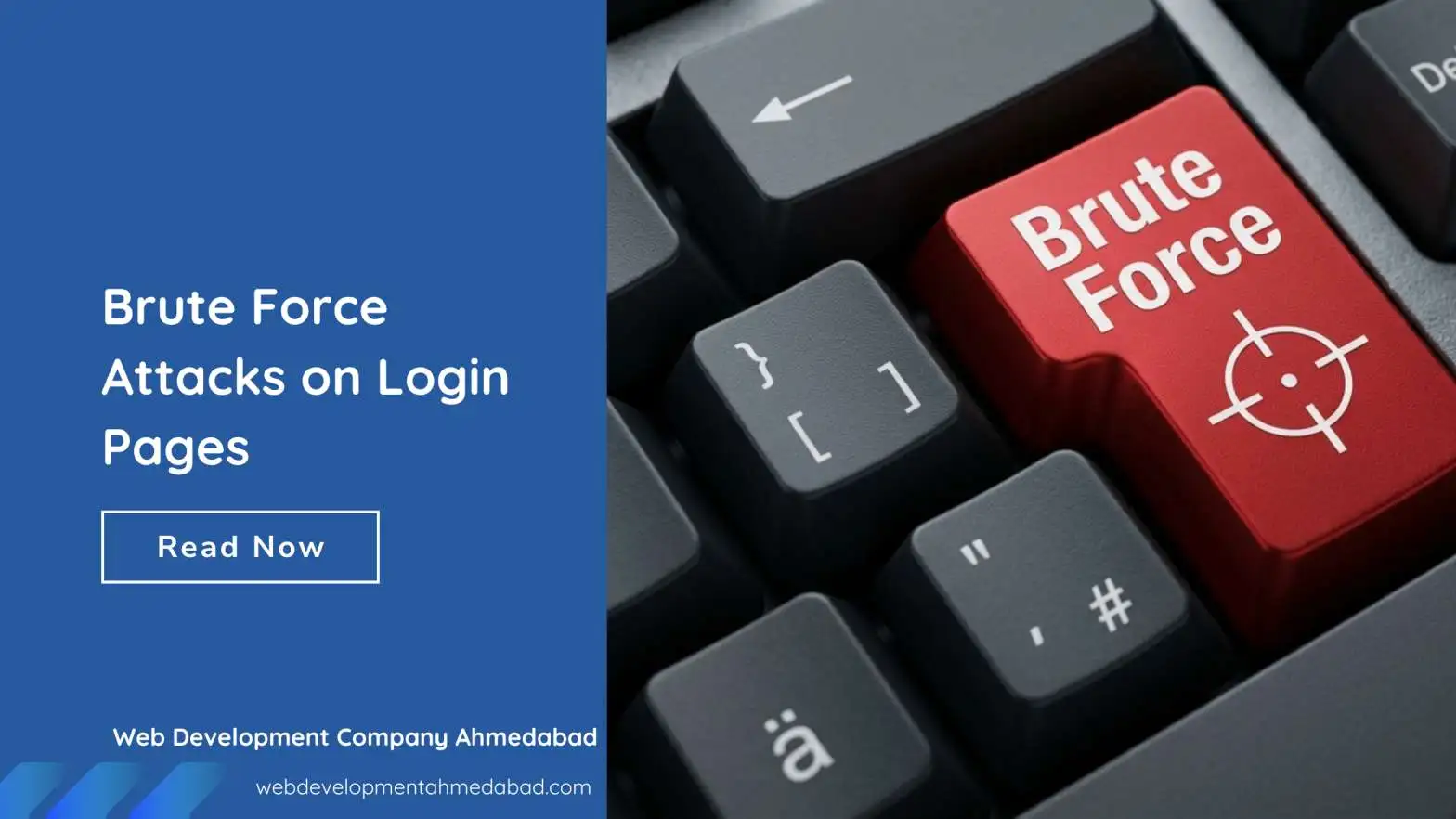
Brute Force Attacks on Login Pages: How to Detect and Stop Them Early
The primary targets of cyberattacks are login pages since these serve as portals to websites, administrative controls, and business applications. If attackers can access it using a login page, they could steal data, alter settings, or interfere with the operations.
A brute-force attack is a common method in which attackers intrude on your system using multiple combinations. Although the underlying strategy is simpler, automated tools make brute-force attacks effective on a vulnerable system.
Brute Force Is Automated
Some companies believe that they are targeted by attackers. In reality, many brute-force attacks are automated bots scanning thousands of websites for vulnerabilities. Thus, users protect their sensitive information after they buy website hosting India servers with in-built DDoS protection and free SSL.
Bots do not care about company size or industry. They simply look for easy access. Small websites with poor password security or exposed admin pages are targeted. Every website needs protection, not just large brands.
Slow Login Performance Can Be a Warning Sign
Brute force attacks don’t begin with the visible breach. Sometimes, sluggish login page performance is the first sign of a sudden slowdown. SSD web hosting services offer ultra-high performance with near zero downtime migration and accessibility.
Repeated automated requests consume server resources, slowing page speed or making it unresponsive for active users. If a user complains about delayed logins, it is worth checking for attack activity.
Performance issues can sometimes be security warnings in disguise.
Watch for Repeated Failed Login Attempts
A sudden increase in failed login attempts is one of the earliest warning signs of a brute force attack. Attackers test many password combinations quickly.
Monitoring failed logins helps you spot suspicious behaviour early. Many security tools and hosting dashboards automatically track these attempts.
Early visibility allows faster response.
Limit Login Attempts
Allowing attackers multiple login attempts gives them endless opportunities to intrude on your system and crack credentials. It is a golden gateway for them to execute attacks.
By limiting login attempts, you temporarily block access after multiple failed attempts. It plummets the automated bot’s activity, making password guesswork easier and less effective. Some systems also add time delays after repeated failures.
A simple login limit can stop many attacks before they progress.
Enable Multi-Factor Authentication (MFA)
Passwords alone cannot safeguard sensitive account information. Even strong passwords are stolen, leaked, or breached.
Multi-factor authentication adds a second verification step, such as a one-time code sent to a device or generated through an app. Even attackers face roadblocks due to 2FA (two-factor authentication) and cannot successfully log in to the account.
MFA is one of the strongest defenses against unauthorized access.
Enforce Strong Password Policies
Brute-force attacks are effective when users rely on weak passwords such as common names, short words, or predictable combinations.
Users create entropy passwords using symbols, numbers, and letters. You can use password manager tools to generate strong, unique passwords. Stronger passwords drastically reduce the time for a brute-force attack to succeed.
Block Suspicious IP Addresses Automatically
Several brute-force attacks originate from suspicious IP addresses repeatedly targeting login pages. Attackers use scripts that continue trying passwords from the same source.
Firewalls and security tools detect abnormal behaviour and automatically block these IPs. Advanced tools leverage threat intelligence to stop malicious attacks before they intrude on databases. Automated blocking reduces risk without requiring constant manual monitoring.
Protect or Customize Default Login URLs
Attackers scan websites for default login pages, such as standard admin URLs, because they know where to attack the target.
Changing the login URL or implementing protection measures such as adding CAPTCHA, IP restrictions, or hidden access paths significantly reduces automated attacks. This might not be the ultimate solution, but it provides an additional obstacle. Many automated bots then drop out when the attackers cannot easily locate the login page.
Regularly Review Security Logs and Alerts
Regular monitoring of servers is essential, even with the powerful defense mechanism. Patterns are revealed through login logs, including repeated failures, unusual login times, or suspicious attempts.
When alerts are reviewed, it is possible to identify suspicious activity and act before it can cause any real damage. It also assists your security setup over time against real threats. Regular surveillance transforms security into proactivity.
Conclusion
Attacks of brutality are prevalent because they can be automated with less effort; they are also very avoidable when the appropriate security measures have been implemented. The attackers exploit vulnerabilities like weak passwords, unlimited attempts, and suspicious logins to compromise systems.
Businesses can prevent such attacks by restricting the number of logins, providing MFA, using strong passwords, blocking suspicious IPs, and reviewing logs regularly to mitigate risks before they occur. Securing the login page is a critical step in securing the whole system.
In cybersecurity, securing the edge of the door may offer solutions to the largest issues down the line.